Trusted by 4,000+ businesses across India to run payroll and stay compliant
Employee Self-Service Attendance Management Leave Management Expense Management Employee Onboarding Payroll Mobile App Industries Manufacturing IT & Software Healthcare Logistics & Transport Retail & FMCG Education Banking & Finance Construction Hospitality Startups Pricing Blog About Us Contact Us Book Demo
Payroll Software for Schools & Colleges

Teaching and Non-Teaching Payroll, in One Place.

Pay faculty and support staff by their own rules, run leave on the academic calendar, and handle pay scales, arrears and compliance across every campus.

Teaching & non-teaching Academic calendar Pay scales & arrears
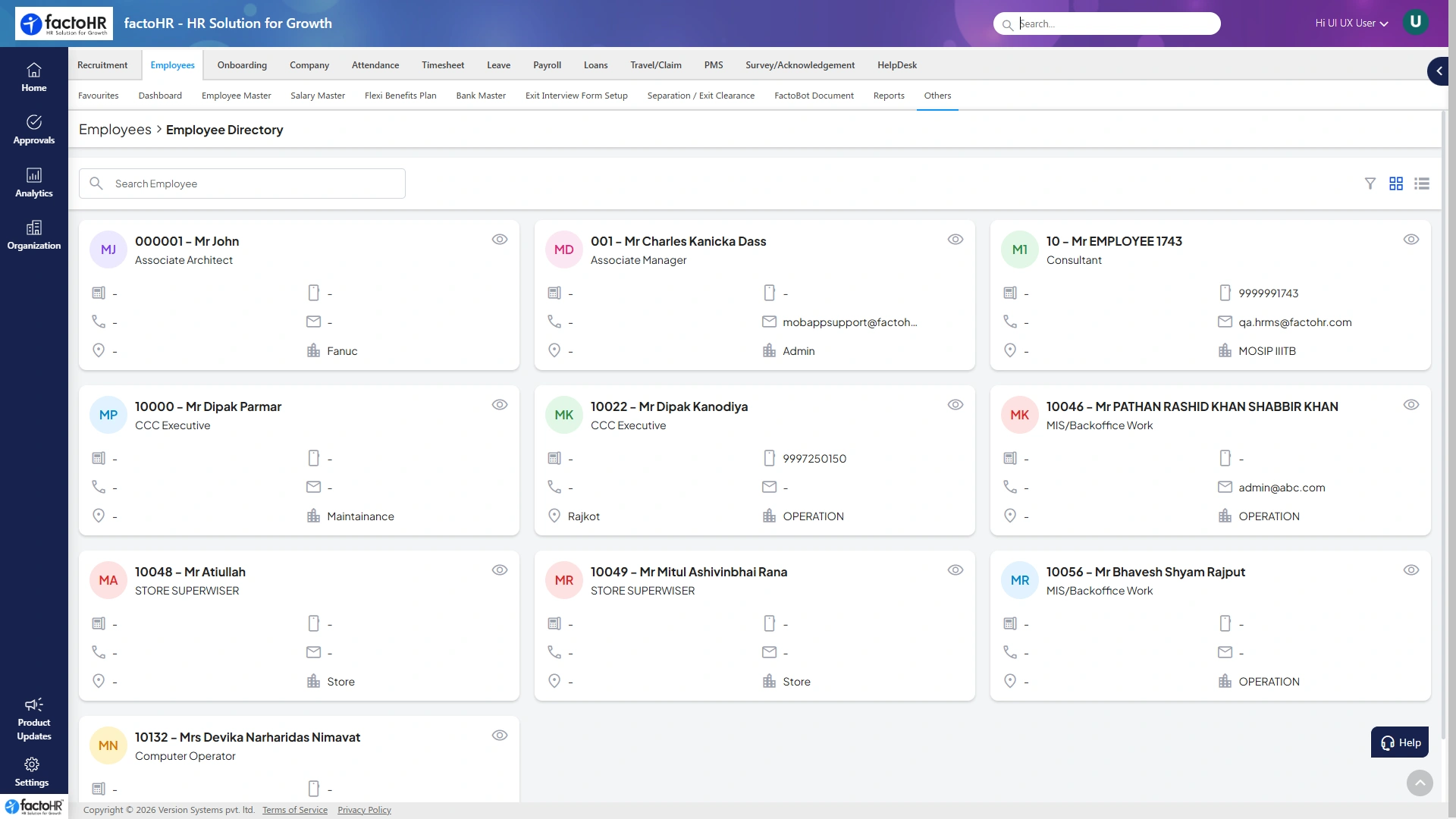
School staff directory
Two groups, one runFaculty & support staff
Two Groups, One Payroll

Faculty and Support Staff, Each by Their Own Rules

A campus runs on two very different payrolls. Both are handled side by side in one system.

Teaching Staff
  • Pay scales, grades and increments
  • Arrears on revisions and promotions
  • Visiting and guest faculty on their own terms
  • Leave aligned to the academic calendar
Non-Teaching Staff
  • Admin, library, lab and support roles
  • Shift and attendance-based pay
  • Contract and housekeeping staff
  • PF, ESI and PT handled automatically
On the Academic Year

Leave that Follows Your Calendar

Terms, exams and vacations drive leave — set the academic year once and leave policies follow it.

Apr
May
Jun
Jul
Aug
Sep
Oct
Nov
Dec
Jan
Feb
Mar
Term — full leave policy Vacation — faculty leave rules Exams — restricted leave

From single schools to multi-campus universities, institutions run payroll here.

2 groupsTeaching & non-teaching
Pay scalesGrades, arrears, increments
CalendarLeave on the academic year
Multi-campusEvery campus in one run
On Campus

Education Payroll Has Two Rhythms

Faculty and support staff work very differently, and the academic calendar shapes everything.

Two Staff Groups

Teaching and non-teaching staff need completely different pay rules.

Academic Leave

Terms, exams and vacations drive leave that general policies miss.

Pay Scales & Arrears

Scale revisions and promotions bring arrears that must be recomputed.

Visiting Faculty

Guest and visiting faculty are paid per lecture or on contract.

Multiple Campuses

Branches and campuses each have their own staff and compliance.

Grant & Aided Rules

Aided institutions carry extra statutory and reporting needs.

Campus to Payslip

Everything Education Payroll Needs

Each part of the platform, and what it does for an institution.

Payroll Engine

Runs pay-scale salary, PF, ESI and TDS for both staff groups in one cycle with payslips.

Pay scalesPF / ESIPayslips
Teaching & Non-Teaching

Keeps faculty and support staff on their own rules, both processed together.

FacultySupportVisiting
Academic-Calendar Leave

Aligns leave with terms, exams and vacations, so policies match the school year.

TermsVacationsExams
Pay Scales & Arrears

Applies grades, increments and revisions, and computes arrears cleanly with the right tax.

GradesIncrementsArrears
Attendance

Captures staff attendance with biometric and mobile punch, mapped to the right pay.

BiometricMobileLeave sync
Self-Service & Mobile

Gives staff payslips, leave and tax proofs on a mobile app, cutting office visits.

PayslipsLeaveTax proof
Every Kind of Institution

Built for the Way You Teach

Different institutions, different staff — one payroll that fits each.

SchoolsTeaching & support, term calendar CollegesDepartments & visiting faculty UniversitiesMulti-campus payroll Coaching & Test-PrepHourly tutors EdTechEducators, ops & sales Training InstitutesBatch & contract trainers Pre-SchoolsTeachers & caretakers Skill CentresInstructors, many locations
Everyone on Campus

Value for Every Role

From the teacher to accounts, each gets what they need.

Teaching StaffPayslips, leave and arrears, clear each month.
Non-TeachingShift pay and attendance without chasing HR.
Principal / DeanStaff cost and attendance per campus.
AccountsPay scales, arrears and compliance, accurate.
HROnboarding to exit across campuses.
ManagementHeadcount and cost across institutions.
Go Live Fast

From Setup to First Payroll in Five Steps

1Map your campusStaff groups, grades and calendar.
2Import staffTeaching, non-teaching and visiting.
3Set scales & leavePay scales, academic leave, compliance.
4Run first payrollVerify arrears and process both groups.
5Open self-servicePayslips and leave on mobile.
FAQ

Education Payroll, Answered

How teaching, non-teaching and academic leave are handled.

Still have questions?Talk to our payroll and HR experts.
Can it handle teaching and non-teaching staff together?

Yes. Faculty and support staff keep their own pay rules and are processed together in one payroll run.

Does leave follow the academic calendar?

Yes. Leave policies align with terms, exams and vacations, so they match the school or college year.

Can it manage pay scales and arrears?

Yes. Grades, increments and revisions are applied, and arrears are recomputed cleanly with the right tax.

How are visiting and guest faculty paid?

Visiting faculty can be paid per lecture or on contract, alongside permanent staff in the same system.

Does it run payroll across multiple campuses?

Yes. Each campus can have its own staff and compliance, while payroll runs across all of them at once.

Does it keep PF, ESI and statutory reports?

Yes. PF, ESI, professional tax and TDS are calculated as payroll runs, with registers ready for audits.

See your payroll run in minutesPayroll, compliance and HR on one platform
Book a Free Demo