Trusted by 4,000+ businesses across India to run payroll and stay compliant
Employee Self-Service Attendance Management Leave Management Expense Management Employee Onboarding Payroll Mobile App Industries Manufacturing IT & Software Healthcare Logistics & Transport Retail & FMCG Education Banking & Finance Construction Hospitality Startups Pricing Blog About Us Contact Us Book Demo
Attendance Management Software

Every Punch-In, One Accurate Record.

Capture attendance from mobile, biometric or web, keep it honest with selfie and geo-fencing, and send clean hours straight to payroll.

Selfie & geo-fence Biometric sync Works offline
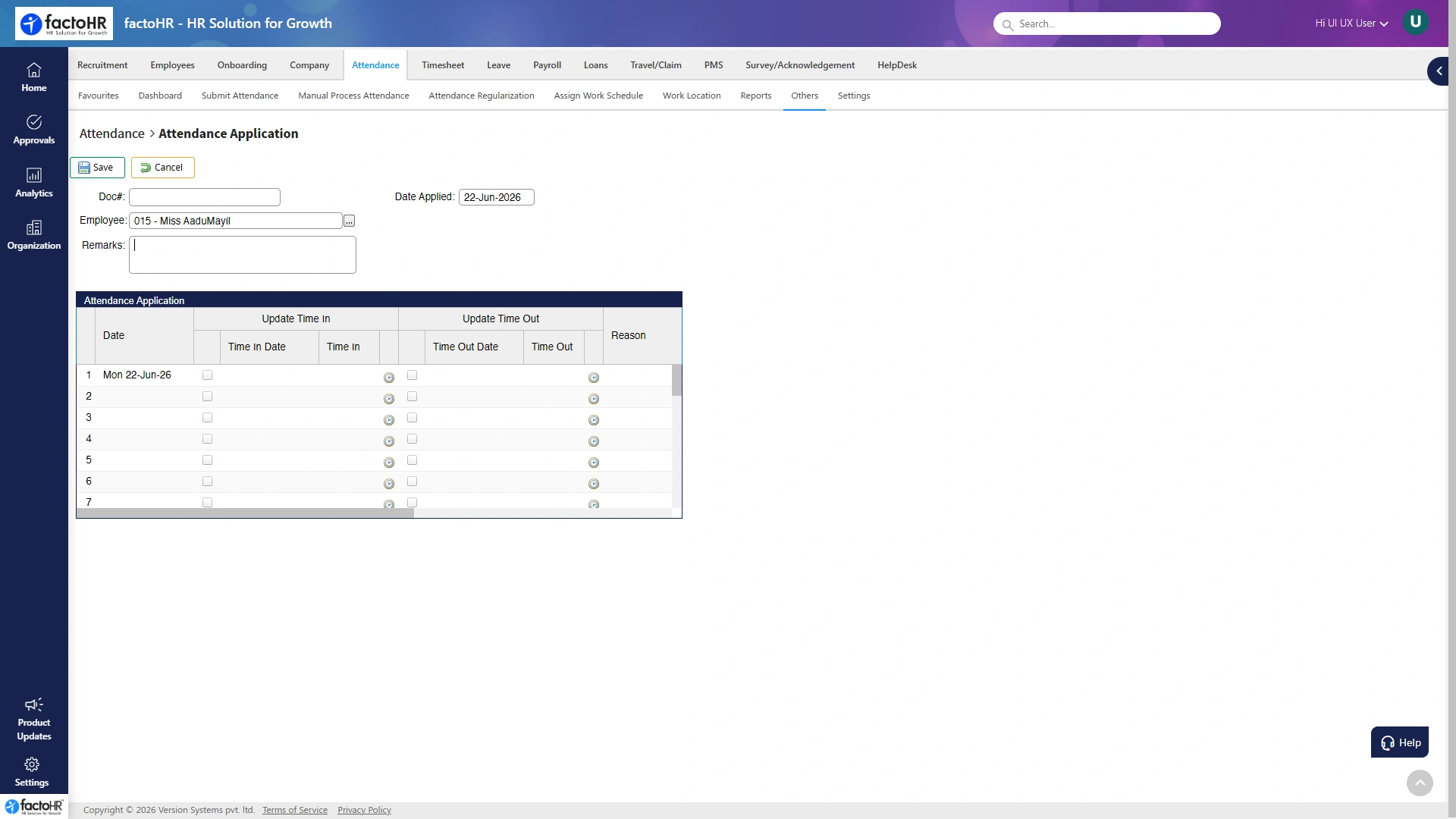
Attendance management screen with punch-in records
Punch verifiedStraight to payroll
Many Ways In, One Record

Mark Attendance However Your Team Works

Office desks, plant gates and field visits each need a different punch. Every method lands in the same record, ready for payroll.

Selfie and Face

Punch with a selfie and face match, so buddy punching stops without extra hardware.

Geo-Fence

Field staff can punch only inside the boundary you set for each site or client.

Biometric Devices

Keep your existing fingerprint and face machines. The system reads them, no rip and replace.

Web and Kiosk

A shared tablet or desktop kiosk lets teams clock in where a personal phone is not practical.

Mobile App

Android and iOS punching with photo and location, built for teams on the move.

QR and RFID

Scan a QR code or tap an RFID card for fast, contactless punches at busy entry points.

One attendance recordEvery punch, from any method, lands on the same record.
Verified hoursOvertimeLeavePayroll →

From single offices to multi-site field teams, attendance is captured and verified here.

6 waysSelfie, geo, biometric & more
GeoVerified, proxy-proof punches
OfflineSyncs when back online
To payrollHours flow automatically
Inside the Module

Everything Attendance Handles for You

Each part of the module, and what it does for your workforce.

Geo-Fenced Punch-In

Staff mark attendance only inside the site or client boundary you set, keeping field attendance genuine.

GPS boundaryPer siteSelfie
Biometric & Device Sync

Reads your existing fingerprint and face machines as they are, so there is no hardware to replace.

FingerprintFaceNo replace
Shifts, Rosters, Week-Offs

Rotating, night and split shifts are applied per site, with weekly-offs and holidays handled automatically.

RostersNight shiftHolidays
Overtime & Late Marks

Overtime, late-ins and early-outs are captured against your approved policy, not left to guesswork.

OvertimeLate marksPolicy
Regularization Requests

Missed or wrong punches are fixed by the employee and approved by a manager, with a clear trail.

Self-fixApprovalAudit trail
Reports & Registers

In-out activity, muster rolls and monthly registers are ready whenever you or an auditor need them.

MusterRegistersReports
Shifts and Rosters

Any Shift Pattern, Rostered and Tracked

Rotating, night and split shifts are common in Indian workplaces. Build the roster once and attendance tracks it per site, with weekly-offs and holidays applied automatically.

  • Rotating, night and split shifts
  • Per-site weekly-off and holiday calendars
  • Overtime captured against approved rules
  • Shift swaps and roster changes with approval
TeamMonTueWedThuFri
A. SharmaDDNNOff
R. IyerNOffDDD
M. KhanDDOffNN
S. RaoOffNNDD
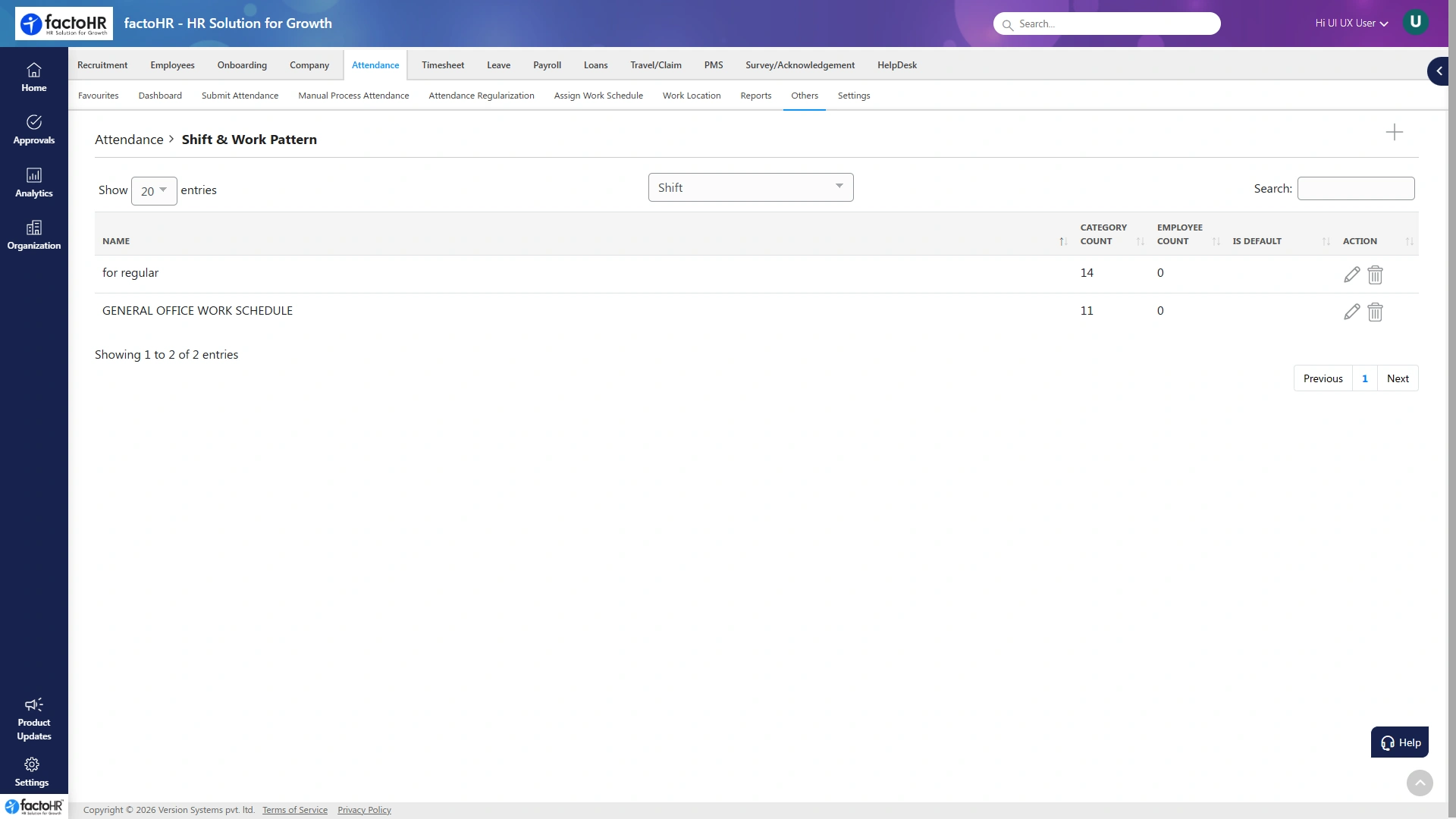
Managing shifts and work schedules
Field and Offline

Works Where the Network Does Not

Sales reps, delivery riders and site staff rarely have a steady signal. Punches are stored offline and sync the moment the phone reconnects, so no attendance is ever lost.

  • Offline punches sync automatically
  • Location captured even without a live signal
  • Regularization with a clear approval trail
How It Works

From Punch to Payroll in Five Steps

1Punch inSelfie, geo, biometric, web or QR.
2VerifyFace match and location checked.
3Apply shiftRoster, week-off and overtime rules.
4ApproveRegularizations cleared by managers.
5To payrollClean hours flow automatically.
Part of One Platform

Attendance Connects to Every Module

Hours captured here feed the same record used by payroll, leave and self-service, so nothing is entered twice.

FAQ

Attendance Questions, Answered

How capture, shifts and regularization feed clean hours into payroll.

Still have questions?Talk to our payroll and HR experts.
How does geo-fenced attendance work?

You set a GPS boundary for each site or client, and staff can punch in only when they are inside it, which keeps field and on-site attendance accurate.

Can it read our existing biometric machines?

Yes. The system reads common fingerprint and face devices as they are, so there is no need to rip and replace hardware you already own.

Does it handle rotating and night shifts?

Yes. You can build rotating, night and split-shift rosters per site, with weekly-offs and holidays applied automatically.

What happens when there is no network?

Punches are stored offline with location and sync the moment the device reconnects, so no attendance is lost in low-signal areas.

Does attendance connect to payroll?

Yes. Approved hours, overtime and leave flow into payroll automatically, so you do not re-enter data at month end.

How are wrong punches corrected?

Employees raise a regularization request for a missed or wrong punch, and a manager approves it before the hours go to payroll.

See your payroll run in minutesPayroll, compliance and HR on one platform
Book a Free Demo